
OpenPilot

The open-source AI agent with your own LLM.

No vendor login. No locked-in models. Point OpenPilot at any OpenAI-compatible API, then let the agent create files, run terminals, search the live web, and ship full projects.

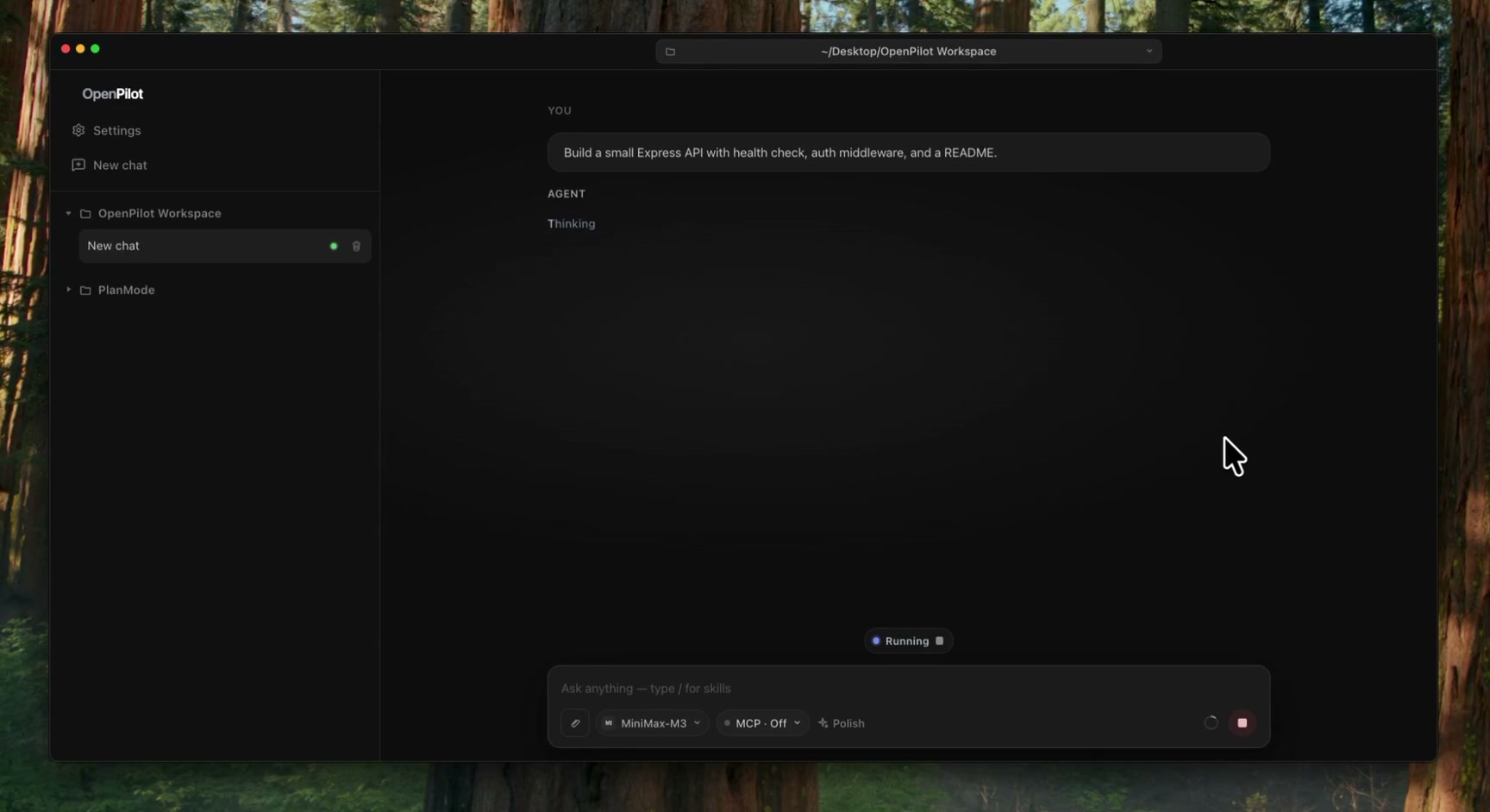
OpenPilot demo: the agent scaffolding a project with files, tools, and terminal

Built for people who want the agent—not the platform tax

Bring your own LLM OpenAI-compatible Local Electron app MIT licensed Windows now · macOS soon

Features

An agent that actually does the work.

OpenPilot is a local AI harness: filesystem tools, a live shell, web research, MCP, skills, and memory—wired to the model you choose. New here? Read the guide or skim the FAQ.

Create files. Scaffold projects. Iterate in place.

The agent reads, writes, edits, greps, and globs across your workspace. Ask for a full project and watch the file tree fill in—then refine with follow-ups.

$ write_file  package.json
$ write_file  src/index.ts
$ write_file  src/routes/users.ts
$ edit_file   src/index.ts
 4 files · project ready

Run real terminal commands

Install deps, start servers, run tests, and stream stdout back into the chat. The shell is a first-class tool—not a pretend snippet.

$ npm test
PASS auth.spec.ts
PASS users.spec.ts
Tests: 12 passed

Live web research with TinyFish

When docs, APIs, or errors live outside the repo, OpenPilot searches and fetches pages in real time—then grounds the answer in what it actually read.

web_search("node fetch timeout")
web_fetch(docs.example.com)
 cited answer + fix

Skills & long-term memory

Drop reusable playbooks as skills. Persist preferences in AGENTS.md. The agent loads them into context and can update memory when you ask.

# AGENTS.md
- Prefer TypeScript strict
- Use pnpm in this repo
- Never commit .env

MCP when you need more tools

Connect Model Context Protocol servers and flip them on per chat. Extend the agent with the systems you already run—databases, browsers, internal APIs.

mcp.json
{
  "servers": {
    "docs": { "command": "…" }
  }
}

How it works

Your keys. Your models. Your machine.

OpenPilot is a harness, not a hosted model marketplace. You bring an OpenAI-compatible endpoint and API key—OpenAI, OpenRouter, a local server, or anything that speaks the same API. Full walkthrough in the getting started guide.

  1. 01

    Add a model

    Paste your base URL, API key, and model id. No account with us required.

  2. 02

    Open a workspace

    Point at a folder. The agent gets filesystem and shell access there.

  3. 03

    Describe the outcome

    Ask it to build, fix, research, or automate—then review the tool trail as it works.

Settings → Models
{
  "name": "gpt-4.1",
  "baseUrl": "https://api.openai.com/v1",
  "apiKey": "sk-••••••••",
  "modelId": "gpt-4.1"
}

Bring your own model

Any OpenAI-compatible endpoint.

Swap providers without rewriting your workflow. Keep usage local to your keys, track tokens in-app, and stay portable across the models you already pay for.

  • No OpenPilot account or vendor login
  • Custom base URL + API key per model
  • Session and lifetime token usage views
  • Works with cloud APIs and local OpenAI-compatible servers
OpenAI api.openai.com
OpenRouter openrouter.ai
Local (Ollama / LM Studio) localhost:11434
Your gateway custom base URL

Download

Get OpenPilot on your desktop.

Native Windows app available now. macOS builds releasing soon. Prefer a dedicated page? See all download options, or jump to the setup guide and FAQ.

macOS

Apple silicon & Intel builds are on the way.

Coming soon

Releasing soon for Apple silicon and Intel Macs.

OpenPilot

Own the harness. Bring the model.

Open-source AI agent for people who refuse vendor lock-in.

Download OpenPilot